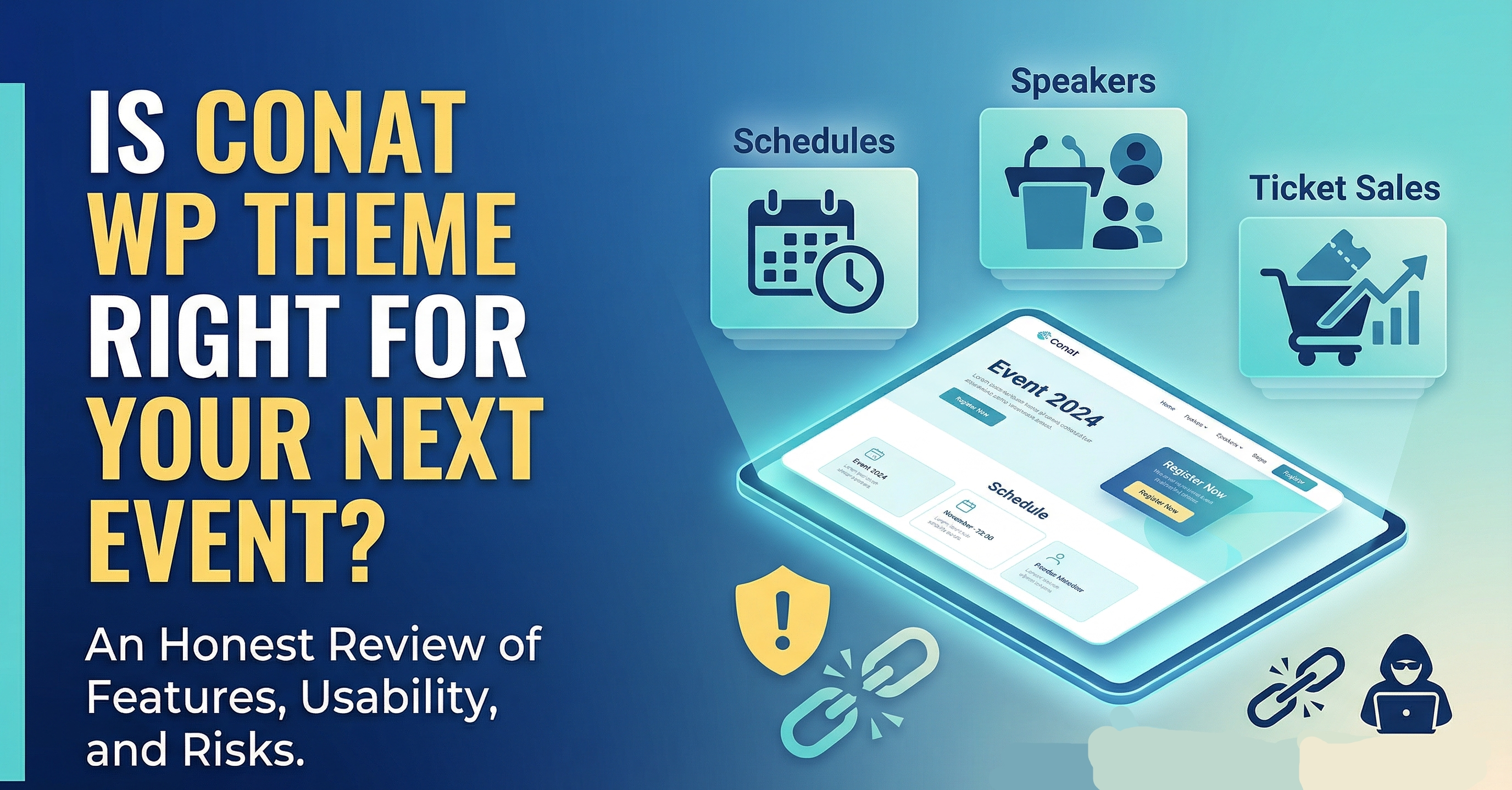
Planning an event is a monumental task. Whether it is a high-level corporate conference, a local workshop, or a massive music festival, the logistics are endless. In today’s digital-first world, your website is essentially the front door to your event. It is where people go to check the schedule, learn about speakers, and—most importantly—buy tickets.
When looking for a digital solution, many organizers turn to specialized WordPress themes. One name that often comes up in professional circles is Conat. Designed specifically for events and conferences, it promises a sleek, functional experience. But does it live up to the hype, and what should you know before committing your content to this framework?
download from here:

What Makes a Great Event Website?
Before we look into the specifics of Conat, we have to understand what an event website actually needs to do. It isn’t just about looking pretty; it has to be a functional tool.
- Clear Information Hierarchy: Visitors need to find the “Who, What, Where, and When” within seconds.
- Speaker Profiles: Credibility is built through the people on stage. A good site highlights their expertise.
- Schedule Management: Multi-track events need organized, easy-to-read timetables.
- Conversion Path: The process from “Interested” to “Ticket Holder” must be frictionless.
Conat attempts to check all these boxes by providing a structured layout that prioritizes the attendee’s journey.
Exploring the Core Features of Conat
Conat isn’t just a skin for WordPress; it’s a toolkit. Based on common industry standards, here are the features that define its performance.
1. Modern and Responsive Design
We live in an age where most people browse on their phones while commuting or during lunch breaks. Conat is built with a “mobile-first” philosophy. The layouts adjust fluidly, ensuring that your countdown timers and registration buttons remain clickable and clear on a five-inch screen just as well as on a thirty-inch monitor.
2. Elementor Integration
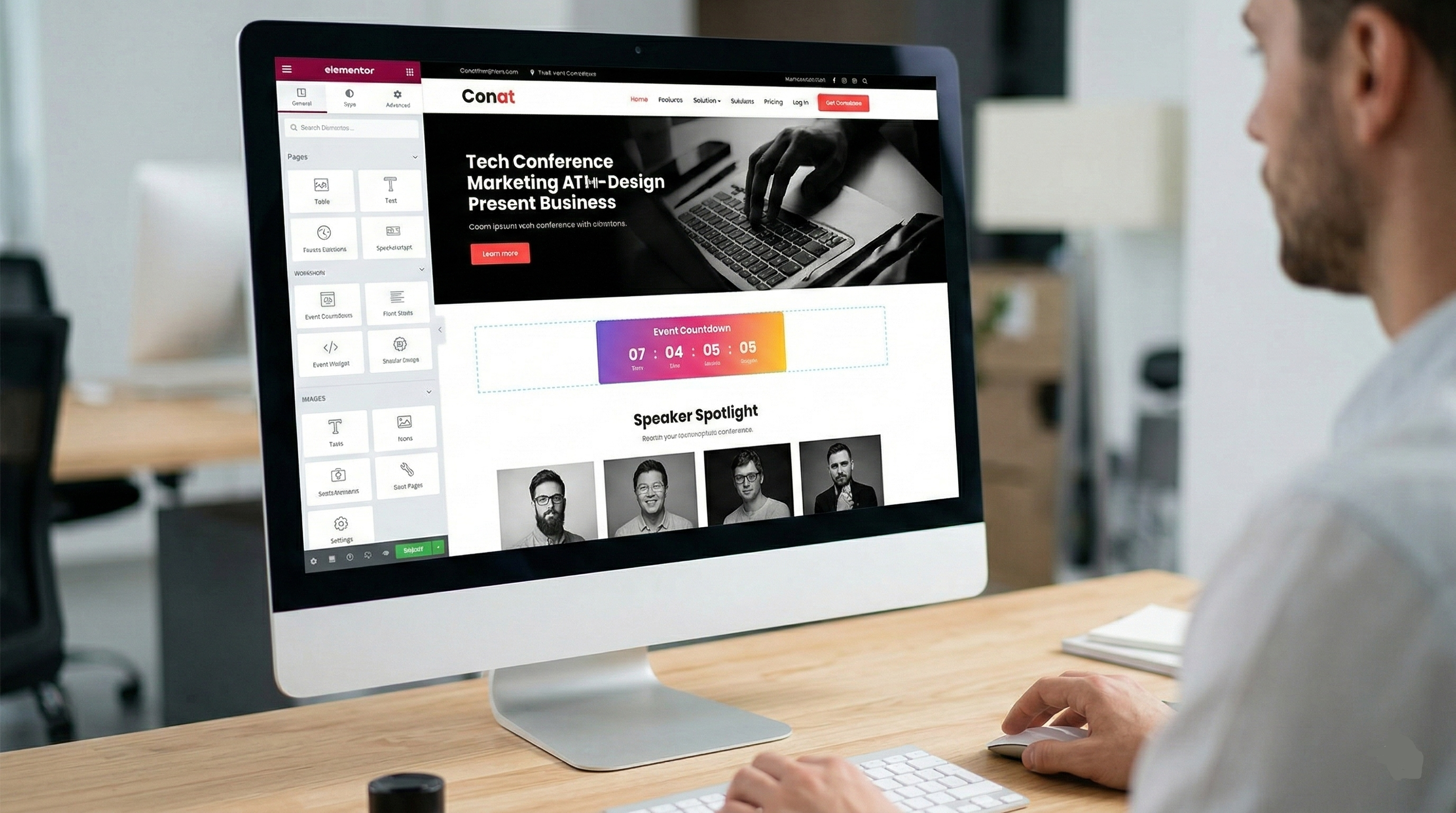
For those who aren’t professional developers, the thought of moving a button or changing a column width can be daunting. Conat is built to work seamlessly with Elementor, one of the most popular drag-and-drop page builders. This means you can see your changes in real-time. If you want to move the “Early Bird” pricing section above the “Speaker Gallery,” it is a simple matter of dragging a block.
3. Dedicated Speaker and Schedule Modules
One of the most tedious parts of manual web design is creating schedules. If a speaker cancels or a time slot moves, you don’t want to have to redesign an entire table. Conat includes dedicated post types for speakers and schedules. You update the data in one place, and it reflects across the entire site automatically.
4. One-Click Demo Import
Starting from a blank white screen is intimidating. Most premium themes, including Conat, offer a demo import feature. This allows you to jumpstart your project by importing a pre-designed layout that looks exactly like the promotional preview. From there, you just swap out the text and images for your own.
The Logistics: Registration and Ticketing
A website that looks great but can’t sell tickets is just a brochure. Most professional organizers need a way to track attendees. Conat is typically compatible with WooCommerce, the gold standard for WordPress e-commerce.
By using WooCommerce as the engine, you can:
- Set up different ticket tiers (VIP, General Admission, Student).
- Offer coupon codes for early registrants.
- Accept various payment gateways like PayPal or Stripe.
- Keep a database of everyone who has signed up for follow-up marketing.
Why “Free Downloads” of Paid Themes Can Be Risky
It is tempting to search for “Conat WordPress Theme Free Download” or “Nulled WordPress Themes.” While saving money is always a goal for event planners, using “nulled” (pirated) versions of premium software comes with significant risks that can derail your event before it even starts.
Security Vulnerabilities
“Free” versions of paid themes are often modified by third parties to include “backdoors.” These are small pieces of code that allow hackers to access your site later. For an event site handling user data or payments, a security breach is a reputation killer.
Lack of Updates
WordPress updates its core software frequently. Premium developers like the creators of Conat update their themes to stay compatible. If you use a pirated version, you won’t get these updates. Eventually, your site will “break”—the menu might stop working, or the checkout page might fail—usually right when ticket sales are peaking.
No Technical Support
When you buy a legitimate license, you aren’t just buying code; you are buying a seat at the help desk. If you encounter a bug or can’t figure out how to set up the schedule, the developers are there to help you. With a free/unauthorized download, you are on your own.
Technical Performance and Speed
Google and other search engines prioritize websites that load quickly. For an event site, speed is also a matter of user experience. If a potential attendee has to wait six seconds for your homepage to load, they might assume the event itself is disorganized.
Conat is generally optimized for speed, but as with any WordPress theme, your performance will depend on:
- Hosting Quality: A cheap shared server will slow down even the best-coded theme.
- Image Optimization: Large, uncompressed photos of speakers will bloat your load times.
- Plugin Weight: Only use the plugins you absolutely need.
Customizing Conat for Your Brand
Branding is about more than just a logo. It’s about the “vibe” of your event. A tech conference needs a sharp, clean, high-contrast look, while a wellness retreat might need softer colors and more whitespace.
Conat offers a robust Theme Options Panel. This is the “brain” of the theme where you can:
- Upload your logo and favicon.
- Change the global color palette to match your brand guidelines.
- Choose from hundreds of Google Fonts to ensure your typography matches your message.
- Configure your social media links so attendees can share the event easily.
SEO: Getting Your Event Found
You want your event to show up when people search for “Business Conference 2026” or “Design Workshop in [Your City].” Conat follows SEO best practices, such as using proper heading tags (H1, H2) and clean code that search engine “crawlers” can easily read.
To maximize this, you should:
- Write Unique Descriptions: Don’t just list a speaker’s name; write a short bio that includes relevant keywords.
- Use Alt-Text: Describe your images so search engines know what they are.
- Start a Blog: Use the built-in blog features to write articles related to your event topics. This builds “authority” in the eyes of Google.
Final Thoughts: Is Conat Worth It?
If you are looking for a professional, reliable, and aesthetically pleasing way to host your event online, Conat is a strong contender. It balances the complexity of event management with the ease of use provided by Elementor.
While the allure of finding a “free download” is strong, the peace of mind that comes with a legitimate, supported, and secure license is usually worth the investment. An event website is an asset—it’s your primary marketing tool and your main sales channel. Treating it as such by using high-quality, authentic tools will almost always lead to a more successful, less stressful event.
Key Takeaways for Organizers:
- Prioritize Function: Make sure your schedule and ticket buttons are easy to find.
- Stay Secure: Avoid nulled themes to protect your attendees’ data.
- Optimize for Mobile: Most of your traffic will likely come from smartphones.
- Leverage Support: Don’t be afraid to ask the developers for help if you hit a wall during the setup process.

Other Articles