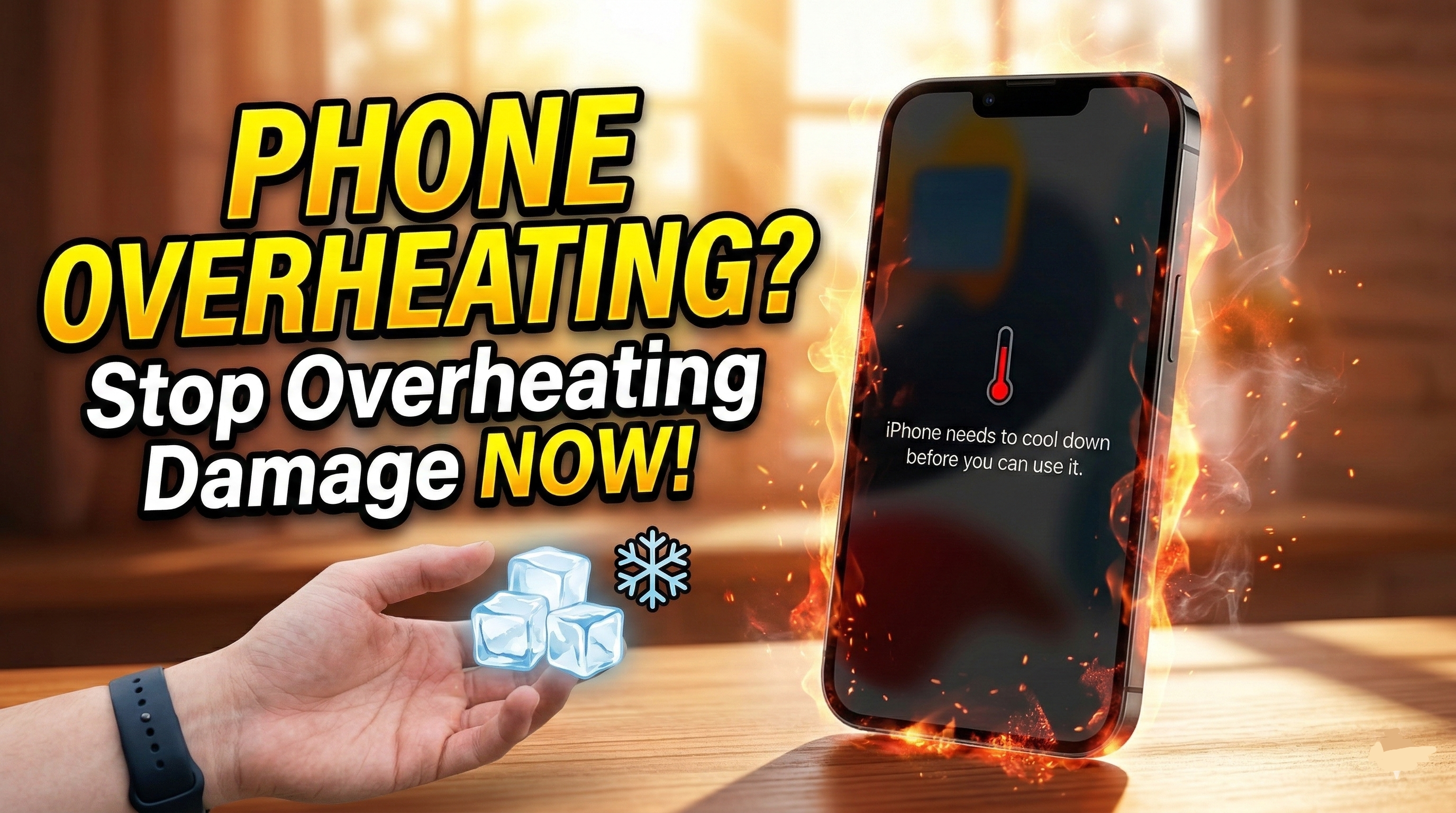
We have all been there. You are recording a video, playing a graphic-heavy game, or simply using GPS navigation on a sunny day, and suddenly, your phone feels like a hot potato in your hand. A few moments later, the screen dims, the device becomes sluggish, and you might even be locked out by a stark temperature warning on your display.
While modern smartphones are incredibly powerful, they are still bound by the laws of physics. They do not have built-in cooling fans like desktop computers. Instead, they rely on passive cooling, using the metal and glass frame of the device to pull heat away from the internal processor.
When that heat builds up faster than the phone can dissipate it, you run into real trouble. In this guide, we are going to explore exactly why iPhone overheating happens, the very real risks of Overheating Damage, and the practical, step-by-step methods you can use to cool your device down and keep it running smoothly for years to come.
Normal Warmth vs. True iPhone Overheating
First, let’s clear up a common misconception: a warm phone does not always mean a broken phone.
From practical experience, it is entirely normal for your device to get a bit warm during certain activities. If you are setting up a brand-new device, restoring a massive iCloud backup, or wirelessly charging your phone, the back glass will feel warm to the touch. This is the processor and the battery working hard, and it is usually nothing to panic about. The heat should naturally subside once the intensive task is finished.
True iPhone overheating is different. You will know your phone has crossed the line from “working hard” to “overheating” when you notice the following signs:
- The screen significantly dims: Even if your brightness slider is pushed all the way up, the screen stays dark. This is the phone deliberately reducing power consumption to lower its internal temperature.
- Severe performance drops: Apps take forever to open, animations stutter, and the camera might refuse to load or let you use the flash.
- Charging stops entirely: You might see a notification saying that charging is on hold until the phone returns to a normal temperature.
- The temperature warning screen: This is the ultimate red flag. The phone shuts down all user-facing functions and displays a black screen with a red thermometer icon.
The Core Culprits: Why Is Your Phone Getting So Hot?
To fix the problem, you need to understand what is causing it. In real-world use, overheating is rarely caused by just one thing. It is usually a combination of environmental factors and heavy digital lifting.
Heavy Processing Tasks
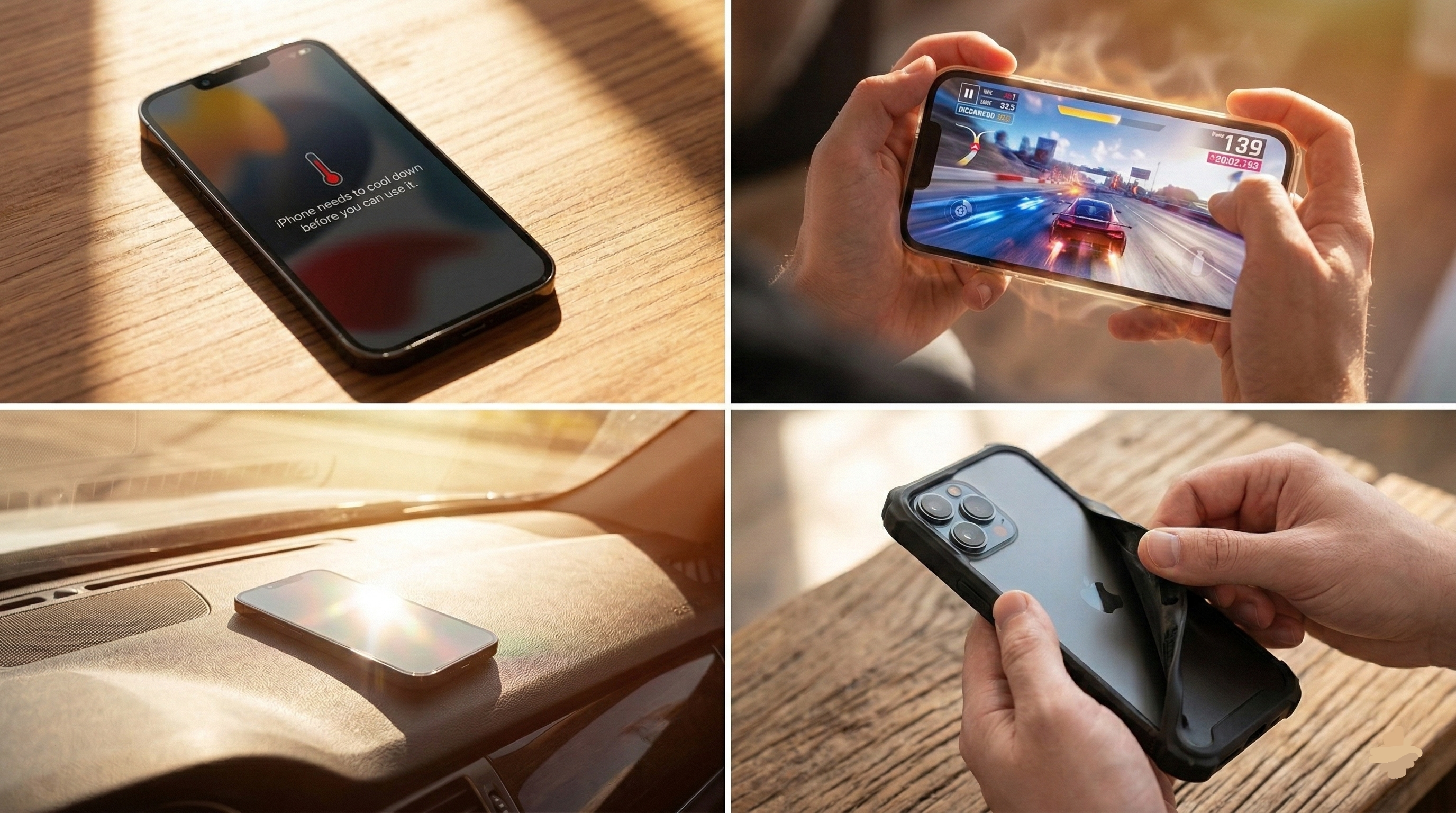
Your phone’s processor is a tiny powerhouse. When you play intensive 3D games, edit 4K video, or use augmented reality (AR) apps, the processor is running at maximum capacity. Because it has no fan, the harder it works, the more heat it traps inside the casing.
Environmental Factors and Direct Sunlight
This is arguably the most common trigger. Leaving your phone on a car dashboard on a sunny day or sitting by the pool with your phone exposed to direct sunlight will rapidly bake the internal components. The dark screen of the phone absorbs solar heat incredibly well, causing the internal temperature to spike much faster than you might expect.
Poor Network Connections
If you are traveling through an area with a weak cellular signal, your phone’s internal antennas will work overtime—pushing maximum power—to try and maintain a connection to a distant cell tower. Many users notice that their phone gets uncomfortably warm during long road trips for this exact reason, especially if they are also using GPS navigation simultaneously.
Thick and Insulating Cases
While heavy-duty cases are fantastic for protecting your phone from drops, they act like winter coats for your device. Rubber and thick plastics are terrible heat conductors. When your phone gets warm, a thick case traps that heat against the glass back, preventing the passive cooling system from doing its job.
The Real Risk: Understanding Overheating Damage
Many people treat a hot phone as a minor annoyance, simply tossing it onto a table and waiting a few minutes. However, frequently allowing your device to reach critical temperatures can lead to permanent Overheating Damage. This isn’t just a marketing scare tactic; it is basic hardware chemistry.
Battery Degradation
The lithium-ion battery inside your phone is highly sensitive to extreme temperatures. When a battery gets too hot, the internal chemical reactions happen too rapidly. Over time, this permanently degrades the battery’s capacity to hold a charge. If you constantly let your phone overheat, you will likely notice your “Maximum Capacity” in the battery health settings dropping rapidly. In severe cases of Overheating Damage, the battery can actually swell, pushing against the screen and breaking the device from the inside out.
Display and Internal Component Stress
Constant cycles of intense heat and cooling cause the microscopic solder joints on the phone’s logic board to expand and contract. Over the lifespan of the device, this thermal stress can cause critical components to fail. Furthermore, extreme heat can damage the organic light-emitting diodes (OLED) in modern smartphone screens, leading to permanent burn-in or discoloration.
Immediate First Aid: How to Cool Down a Hot Phone
If you are holding a phone that is uncomfortably hot or displaying a temperature warning, you need to take immediate action to prevent long-term harm. Here is exactly what you should do:
1. Stop Using and Unplug It If your phone is plugged into a charger or a power bank, disconnect it immediately. Charging generates heat, and pushing electricity into a battery that is already sweltering is a fast track to Overheating Damage.
2. Remove the Case Strip the phone down. Taking off the case removes that insulating layer and allows the glass and aluminum body to quickly radiate the trapped heat out into the air.
3. Move to a Cooler Environment If you are outside in the sun, move the phone to the shade. If you are in a hot car, hold the phone near the air conditioning vent (but not directly pressed against it, to avoid extreme temperature shock).
4. Power It Down Completely The fastest way to stop internal heat generation is to turn the phone off. By completely shutting down the device, you immediately stop the processor, the cellular antennas, and the display from drawing power. Leave it off for at least ten to fifteen minutes.
A Crucial Warning: Never put a hot phone into a refrigerator or freezer. Rapid temperature changes cause condensation. If moisture builds up inside the phone, you will trade an overheating problem for permanent internal water damage. Always let the phone cool down gradually at room temperature.
Long-Term Strategies to Prevent Future Overheating
Once your phone is back to a safe temperature, you should take a few preventative steps to ensure it doesn’t happen again. From practical experience, making a few minor adjustments to your daily usage habits can make a massive difference.
Optimize Your Charging Habits
Avoid playing heavy games or taking long FaceTime calls while your phone is plugged in. This forces the battery to discharge and charge simultaneously, generating massive amounts of heat. Try to charge your phone when you don’t need to use it. Additionally, always use high-quality, certified charging cables and adapters. Cheap, uncertified chargers often lack power regulation chips, pumping inconsistent electricity into your phone and causing unnecessary thermal stress.
Tame Your Background Settings
Sometimes, rogue applications constantly refresh data in the background, keeping the processor awake even when the phone is in your pocket.
- Review Background App Refresh: Turn this feature off for apps that do not need to constantly update, like games or shopping apps.
- Manage Location Services: Apps constantly pinging your GPS antenna drain power and generate heat. Set location permissions to “While Using the App” rather than “Always.”
Keep Your Software Updated
Software bugs are a very real cause of unexpected heat. Occasionally, a coding error in an app or the operating system will cause the processor to get stuck in an endless loop, working at 100% capacity for no reason. Keeping your operating system and your third-party applications updated ensures you have the latest bug fixes and performance optimizations.
Monitor Your Storage Space
When a smartphone’s internal storage is almost completely full, the operating system has to work incredibly hard to manage memory, move files around, and function properly. This constant background effort can lead to a warmer device. Try to keep at least 10% to 15% of your total storage space completely free to allow the system to breathe.
Final Thoughts
Your smartphone is an incredible piece of technology, but it requires a little bit of physical awareness to keep it running optimally. A warm phone is normal, but a phone that regularly shuts down or dims its screen is screaming for help.
By understanding the limits of passive cooling, protecting your device from environmental extremes, and adjusting your software habits, you can easily prevent the frustration of unexpected shutdowns. More importantly, respecting your device’s temperature limits is the absolute best way to protect your battery life, avoid irreversible Overheating Damage, and ensure your phone lasts for years to come. Keep it cool, keep it updated, and give it a break when the digital heavy lifting gets to be too much.